PEMRA.Gov.Pk App for Online Complaints 2026 Complete Guide
 Follow YourSiteName on Google News & scroll through your favourite content faster!
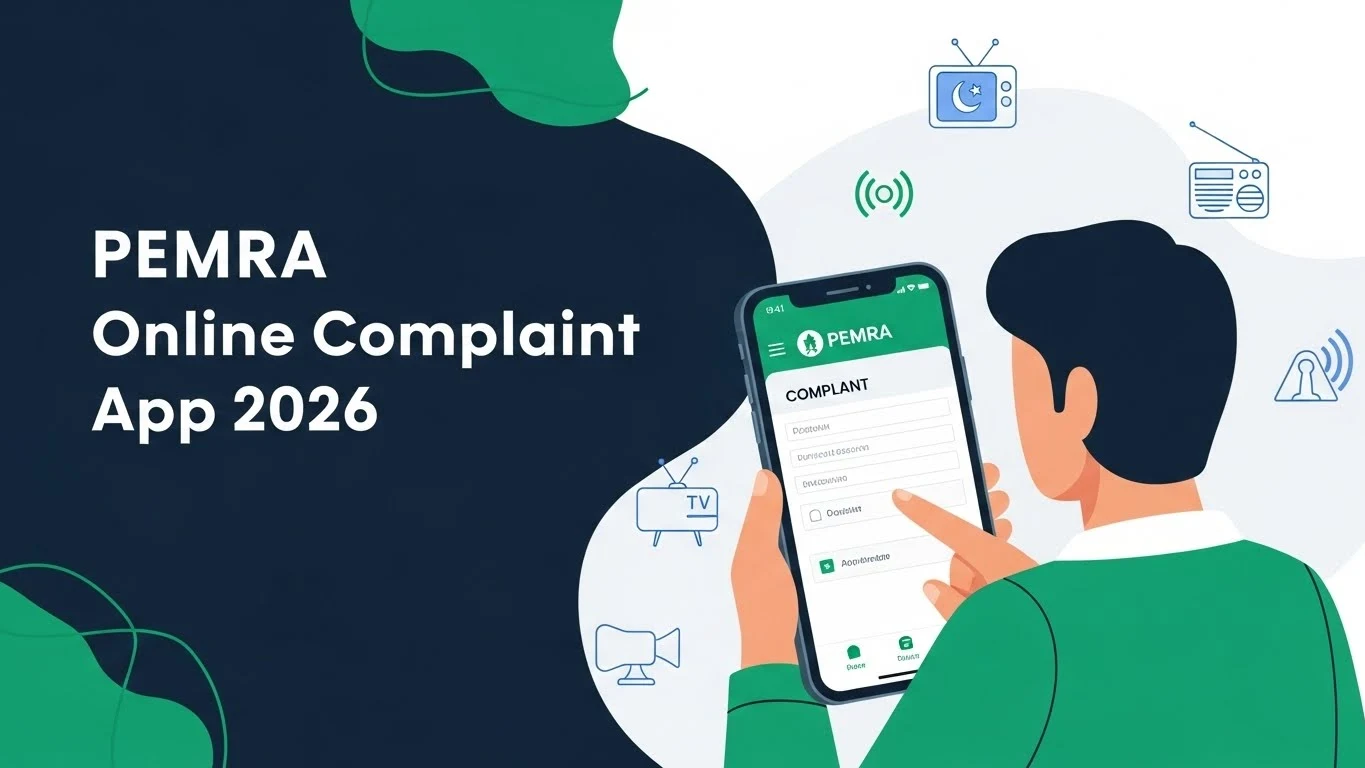

The PEMRA.Gov.Pk App for Online Complaints 2026 is a major digital step toward media accountability in Pakistan. With this official PEMRA complaints app, citizens can now report issues related to TV channels, cable operators, advertisements, and other broadcast content directly from their mobile phones. This system supports the government’s vision of easy access, instant accountability, and paperless public services in 2025–26.
 Join WhatsApp
If you are tired of office visits, long queues, and unanswered complaints, this guide is for you. In this article, you’ll learn how to use the PEMRA app for online complaints, what types of issues you can report, how the process works, and why this app is better than old complaint methods.

PEMRA.Gov.Pk Online Complaints Mobile App 2026 Check Online
The PEMRA mobile app is an official digital platform developed jointly by:
- Pakistan Electronic Media Regulatory Authority (PEMRA)
- National Information Technology Board (NITB)
- Ministry of IT & Telecom
Its main purpose is to allow citizens to register media-related complaints online within minutes—without visiting any PEMRA office.
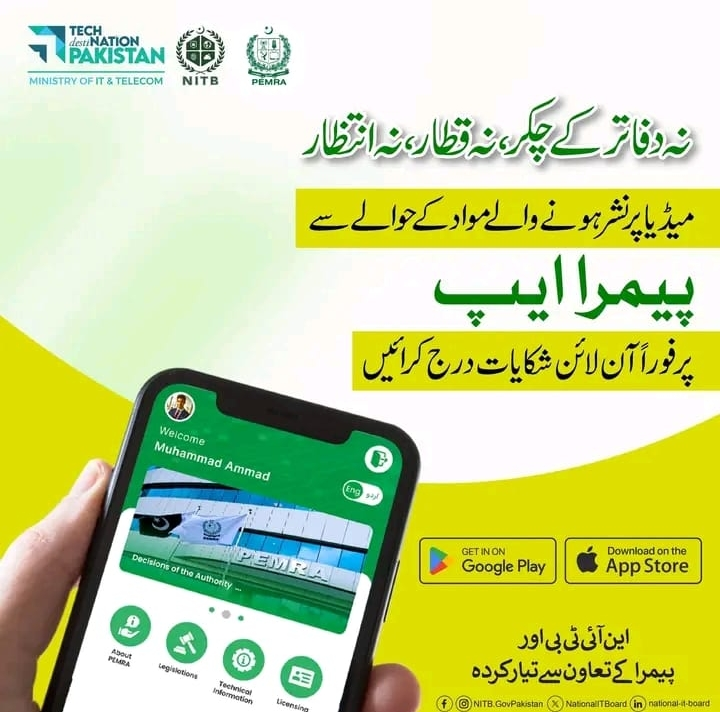

Key Idea Behind the App
👉 “No office rounds, no queues, no waiting.”
PEMRA Online Complaint System 2026
Media has a powerful impact on society. In the past, people had limited ways to complain about:

- Fake or misleading news
- Unethical TV shows
- Offensive advertisements
- Cable operator issues
Now, the PEMRA.Gov.Pk app gives power directly to citizens.
Why It’s Important:
- Promotes responsible broadcasting
- Strengthens public trust
- Ensures faster action by authorities
- Supports transparency
Features of the PEMRA.Gov.Pk App (2026 Updated)
The PEMRA app isn’t just a form—it’s a full complaint management system.
Main Features:
- 📱 Easy mobile registration
- ⚡ Instant complaint submission
- 📺 Media content-based reporting
- 🕒 Complaint tracking option
- 🏛️ Official decisions of PEMRA available
- 🌐 Urdu & English support
- 🔐 Secure government platform
Available on:

- Google Play Store
- Apple App Store
How to Register an Online Complaint Using the PEMRA App
Here’s a simple step-by-step guide anyone can follow:
Step 1: Download the App
Search “PEMRA Pakistan” on:
- Google Play (Android)
- App Store (iOS)
Step 2: Open the App
You’ll see sections like:
- About PEMRA
- Legislations
- Licensing
- Decisions of the Authority
Step 3: Register / Log In
Create a basic account using your details.
Step 4: Submit Complaint
Select:
- TV Channel / Cable Operator
- Program or content type
- Date & time of broadcast
- Complaint details
Step 5: Submit & Relax 😄
No paperwork. No office visits.
What Type of Complaints Can You File on the PEMRA App?
You can report issues related to:
- ❌ Fake or misleading news
- ❌ Vulgar or unethical content
- ❌ Hate speech
- ❌ Illegal advertisements
- ❌ Cable signal issues
- ❌ Violation of PEMRA rules
Important: Complaints must relate to electronic media regulated by PEMRA.
How PEMRA Handles Complaints After Submission
Once you submit a complaint:
- It is logged in PEMRA’s system
- Relevant department reviews it
- The channel or operator may receive a notice
- Action is taken under PEMRA laws
- Decisions may be published officially
This ensures real accountability, not just formality.
New Information Not Found in Other Articles
- Detailed complaint flow
- What happens after complaint submission
- Types of valid complaints
- Why some complaints may be rejected
Common Mistakes to Avoid While Filing Complaints
- 🚫 Submitting incomplete details
- 🚫 Complaining about non-PEMRA platforms (like YouTube creators not licensed)
- 🚫 Emotional language instead of facts
Stick to clear facts for faster action.
Frequently Asked Questions (FAQs)
- Is the PEMRA online complaint app free?
Yes, it’s completely free of cost.
- Can I file a complaint anonymously?
Basic registration is required, but your identity is protected.
- How long does PEMRA take to respond?
Response time varies, but digital complaints are handled faster than manual ones.
- Can I complain about social media content?
Only if the content is from PEMRA-licensed electronic media.
- Is the PEMRA app available in Urdu?
Yes, the app supports Urdu and English.
Final Conclusion
The PEMRA.Gov.Pk App for Online Complaints 2026 is a game-changer for public accountability in Pakistan’s media landscape. It replaces long office visits with a few taps on your phone, giving citizens a direct voice against unethical or illegal media content. If you want your concerns heard—and acted upon—this official app is the smartest way forward.